



Float checker
Paste an inspect link from your inventory, the Steam market or any marketplace. You get the exact float, paint seed, pattern and stickers.
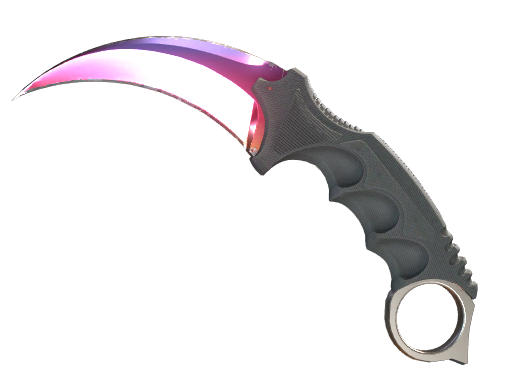
Karambit | Fade
Factory New · Covert
- Paint seed
- 412
- Paint index
- 38
- Def index
- 507
- Fade
- 100%
Decoded directly from the link.
Where to find an inspect link
- Inspect in Game…
1Open the item
In your Steam inventory, or on a Steam market listing, select the item.
2Copy the link
Right-click Inspect in Game and choose Copy link address. Marketplaces have a copy-inspect button on each listing.
3Paste it here
Paste into the box above and press Check. Links from a whole inventory work in bulk mode, up to 50 at once.
Drawn illustrations of the Steam client, not screenshots.
What the float means
- Factory New
- 0.00 – 0.07
- Minimal Wear
- 0.07 – 0.15
- Field-Tested
- 0.15 – 0.38
- Well-Worn
- 0.38 – 0.45
- Battle-Scarred
- 0.45 – 1.00
The float is a number from 0 to 1 fixed when the item drops. Lower means less wear. The scale is drawn to true size: Battle-Scarred really covers more than half of it. Many skins can't reach the whole range. The lowest floats in a band, like 0.0001 Factory New or 0.0701 Minimal Wear, often sell at a premium.